The Complete Google Business Profile Setup for Dental Clinics (All 31 Fields)
Google Business Profile drives 47% of new patient inquiries for the average dental clinic. Most clinics have 8 of 31 fields filled out. Here's the complete spec — field by field.
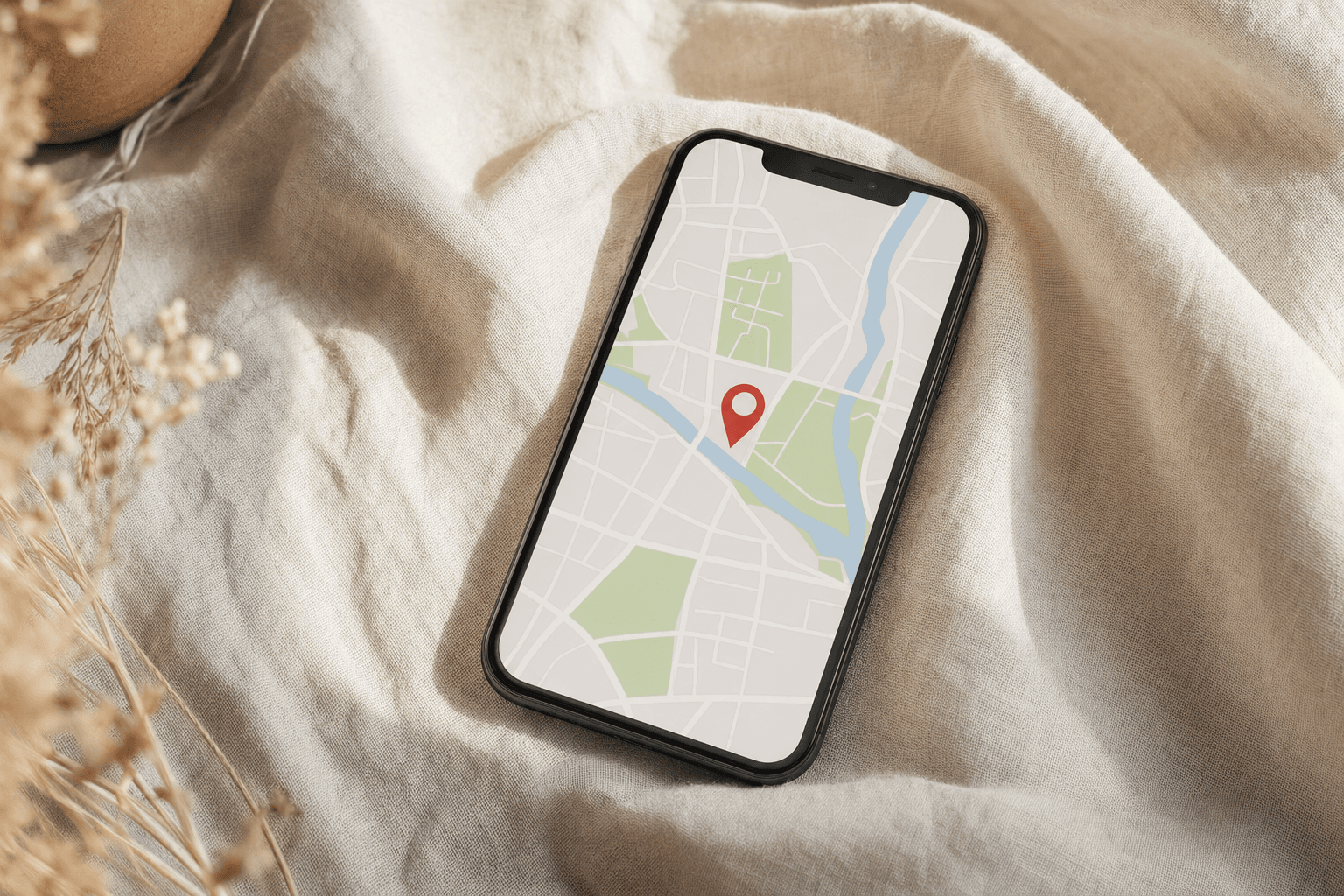
Google Business Profile drives 47% of new patient inquiries for the average dental clinic. Not paid ads, not your website's homepage — a free listing that most clinics set up once, three years ago, and never touched again. The practices ranking in the top 3 of the local map pack have one thing in common: they treat GBP as a weekly maintenance task, not a one-time setup.
This is the complete optimization spec. Every field, what to put in it, and why it matters. Working through this end-to-end takes 6–8 hours. The result: measurably higher local search visibility within 60–90 days.
Why GBP outranks your website for local searches
When someone searches 'dental clinic near me' or 'dental implants [city]', the first organic results are the local 3-pack — three business listings with photos, reviews, hours, and a phone number. This map pack appears above all organic website results. Clicks to the map pack account for 44% of all local search clicks. Your website's ranking is secondary to your GBP ranking for local intent searches.
Google's local ranking algorithm weighs three factors: relevance (does your listing match what the person searched for?), distance (how close are you to the searcher?), and prominence (how well-known and active is your listing?). You can't control distance. You can dramatically affect relevance and prominence through your GBP setup.
Section 1: Core business information (Fields 1–8)
Field 1: Business name
Use your exact legal business name. Nothing else. No keywords stuffed into the name ('Best Dental Clinic London'). Google has cracked down on keyword stuffing in business names — listings that do this get suspended or ranked lower. Your real name, exactly as it appears on your building and on legal documents.
Field 2: Primary category
This is the most important field in your entire GBP listing. Your primary category tells Google what searches to rank you for. Options for dental clinics: 'Dentist' (broad — use for general practices), 'Cosmetic Dentist' (use if 50%+ of revenue is cosmetic), 'Dental Implants Periodontist' (use if implants are your primary focus). Pick the one that matches your actual primary revenue source, not what you aspire to be.
Fields 3–5: Secondary categories
Add up to 9 secondary categories. Dental clinics should typically include: Dental Clinic, Teeth Whitening Service, Dental Implants Provider, Cosmetic Dentist, Emergency Dental Service (if applicable), Orthodontist (if you offer ortho). Each category expands the searches you can appear for. Most clinics use 1–2 categories. Using all relevant ones is a measurable ranking advantage.
Fields 6–8: Address, phone, website
NAP consistency is critical — your Name, Address, and Phone number must be byte-for-byte identical on your GBP, your website, and every directory listing you have. 'St' vs 'Street', '+1 212' vs '(212)', 'Suite 4A' vs 'Ste 4A' — these count as mismatches to Google's systems. Use exactly one format and apply it everywhere. Phone: use the number a patient would call. Website: link to your main domain, not a booking page.
Section 2: Hours and services (Fields 9–15)
Field 9: Business hours
Set these accurately, including whether you're open Saturdays. Update them for every holiday closure and every schedule change. GBP shows patients 'open' or 'closes soon' in real time — if you're marked as open when you're actually closed, patients call, get no answer, and never call back. Google also penalizes listings with chronic hour inaccuracies based on user reports.
Field 10: Special hours
Use this for holiday hours, planned closures, and temporary schedule changes. Google surfaces 'special hours' prominently around bank holidays. A clinic that doesn't update this will show 'open' on Christmas Day — patients will call, you won't answer, and they'll leave a 1-star review about it.
Fields 11–13: Services and service items
This is where most clinics massively under-invest. GBP allows you to add individual services with names, descriptions, and prices. Add every procedure you offer as its own service: Dental Implants, Composite Veneers, Porcelain Veneers, Invisalign, Teeth Whitening, Emergency Dental, Root Canal Treatment, Wisdom Tooth Removal — each as a separate item with a 100-word description and a price range where possible.
Why prices matter: patients searching 'dental implants cost' are high intent. Listing a price range (even a broad one: 'From $2,500 per implant') filters for serious prospects and disqualifies price shoppers before they even call. Clinics that show prices convert their calls at higher rates because the patient arrives already price-qualified.
Section 3: Photos (Field 14 — the most impactful single field)
GBP listings with 100+ photos receive 520% more calls than listings with under 10 photos. This is Google's own data. Photos are the single highest-leverage GBP optimization for most dental clinics, because most dental GBP listings have 8–12 photos — all of which are low-quality or automated Google Street View captures.
The photo strategy
- Cover photo: Your reception or waiting room, bright, welcoming. This is what patients see first in the listing. Not your logo.
- Profile photo: Your logo on a white or light background. Clean, legible at small size.
- Exterior photos (5–10): Every angle of your building exterior, plus your signage and car park if you have one. Patients use these to find you.
- Interior photos (15–25): Reception, waiting area, treatment rooms, sterilisation room (shows hygiene standards), staff areas. Show the whole environment.
- Team photos (10–15): Every dentist, hygienist, and coordinator. Natural poses in the clinical environment. Patients buy from people, not buildings.
- Treatment result photos (20–40): Before/afters, procedure photos, smile makeover results. These drive appointment decisions more than any other photo type. Always get written consent.
- Equipment photos (5–10): Your CBCT scanner, digital X-ray, CAD/CAM system. Equipment signals capability and investment in technology.
Upload in batches of 5–10 per week rather than all at once. Google rewards consistent activity. Label every photo with a descriptive filename before uploading (dental-implant-result-manchester.jpg not IMG_0421.jpg) — this is an underused local SEO signal.
Section 4: The description (Field 15)
750 characters. Use them all. Write for the prospective patient who is comparing 3 local clinics and reading each listing. What makes you different? What procedures do you specialise in? What's your experience level? What reassurance does a nervous patient need from your listing specifically?
Example structure (adapt to your practice): '[Practice name] is a cosmetic and implant dental clinic in [city], established [year]. We specialise in dental implants, full-arch restorations, and smile makeovers for patients who want a long-term solution to missing or damaged teeth. Dr [Name] has placed over 1,200 implants and trained at [institution]. We offer free implant consultations and digital smile design at no charge, so you can see your result before treatment begins. Most new patients are seen within 5 working days.' Count: 485 characters. Add specifics from your own practice to reach 700+.
Section 5: Q&A management (Field 16)
GBP's Q&A section is publicly editable — anyone can post a question, and anyone can answer it, including your competitors. Most clinics don't know this section exists. The result: unanswered questions sitting on the listing, or worse, incorrect answers posted by members of the public.
Seed your Q&A section yourself. Log in to your GBP, navigate to Q&A, and post 8–12 questions that your reception team actually hears repeatedly — then answer them from the business account. Common ones: 'Do you offer payment plans for dental implants?', 'What's the difference between composite and porcelain veneers?', 'How long does implant treatment take?', 'Are your dentists accepting new NHS patients?' Each answer is additional keyword-rich content that appears in your listing.
Section 6: Google Posts (Field 17 — ongoing weekly task)
Google Posts are status updates that appear in your listing. They expire after 7 days and need to be refreshed weekly. Clinics that post consistently rank measurably higher in the local pack — Google treats posting frequency as a proxy for business activity.
What to post: before/after results (with consent), new equipment or technology, seasonal offers (dental check-up promotions, back-to-school teeth whitening), blog article summaries linking back to your website, team news (new dentist joined, training completed). Each post should have a photo, 150–200 words, and a call-to-action button — either 'Book' linking to your booking system or 'Learn more' linking to a relevant page.
Section 7: Reviews — the system you need (Field 18)
Reviews are the most visible trust signal in your GBP listing and the most powerful local ranking factor after proximity and category relevance. Clinics in the local 3-pack average 4.6+ stars and 150+ reviews. If you have under 50 reviews or under 4.5 stars, this is your highest-priority GBP investment.
The review request system
The best time to ask for a review is within 4 hours of a positive appointment experience, not days later when the emotional peak has passed. The best channel is a personal text message from the practice — not an automated SMS that screams 'software system'. The text should come from a number the patient recognizes or has saved, reference the specific appointment ('great to see you today, glad the implant consultation was helpful'), and contain a direct link to the Google review form. Conversion on this approach: 35–45%. Automated SMS alone: 4–8%.
The review reply playbook
Reply to every review within 24 hours. Positive reviews: personalise the response — name the procedure or situation if the patient mentioned it, thank them specifically, invite them back. Generic 'Thank you for your review!' responses signal automation and miss the SEO opportunity (your responses are indexed). Negative reviews: acknowledge, apologize for the experience, offer to resolve offline. Never argue. Never post patient information. Never be defensive. A clinic that responds thoughtfully to negative reviews consistently outperforms one that ignores them — because patients read how you respond to complaints before deciding to call.
Sections 8–10: Attributes, booking link, messaging (Fields 19–25)
Attributes are the checkboxes in your GBP that signal operational details: 'Wheelchair accessible entrance', 'Accepts new patients', 'Online appointments', 'Credit cards accepted', 'Free parking', 'Evening hours available'. Fill in every attribute that applies to your practice. These appear as icons in your listing and as filter options when patients search — a patient searching 'dentist wheelchair accessible' will only see your listing if this attribute is set.
Booking link: connect your appointment booking system directly to GBP. This adds a 'Book' button to your listing that takes patients directly to your scheduling page. Clinics with booking buttons get 28% more appointments from GBP than those without. If you use Cliniko, Pabau, or any modern practice management system, this integration is available and usually takes 10 minutes to set up.
The 5 most common GBP mistakes dental clinics make
- Choosing the wrong primary category. 'Dentist' when 70% of revenue is cosmetic is leaving cosmetic search traffic on the table. Review your category against your actual revenue breakdown annually.
- NAP inconsistencies across the web. Your GBP says '14 Park Lane Suite 2' but your website says '14 Park Lane, 2nd Floor'. These count as different addresses to citation-checking systems. Audit every directory where your practice is listed.
- No Q&A management. Unanswered questions from patients and occasionally from competitors posing as patients. Check Q&A weekly.
- Uploading photos without descriptions. Photos with descriptive alt text and strategic filenames get indexed differently than unnamed uploads.
- Treating GBP as a one-time setup rather than a weekly maintenance channel. The practices ranking in position 1 are treating this as a job, not a checkbox.
Working through the full GBP spec takes 6–8 hours for the initial setup and about 2 hours per month to maintain. If you'd rather have someone run this alongside the rest of your marketing — or if you want a no-cost audit of your current GBP listing and a specific improvement report — you can request one at owaoconsulting.com. The audit takes 20 minutes and the report tells you exactly which fields are holding your local ranking back.
Written by JJ
OWAO Consulting
Free clinic audit
Want to know exactly where your clinic is losing patients online?
I’ll audit your GBP listing, your website conversion path, your review profile, and your local search visibility — and send you a specific report on what to fix first.
Request Your Free AuditNo call required. Report delivered by email within 48 hours.